The Imperative of Accessible Civic Infrastructure
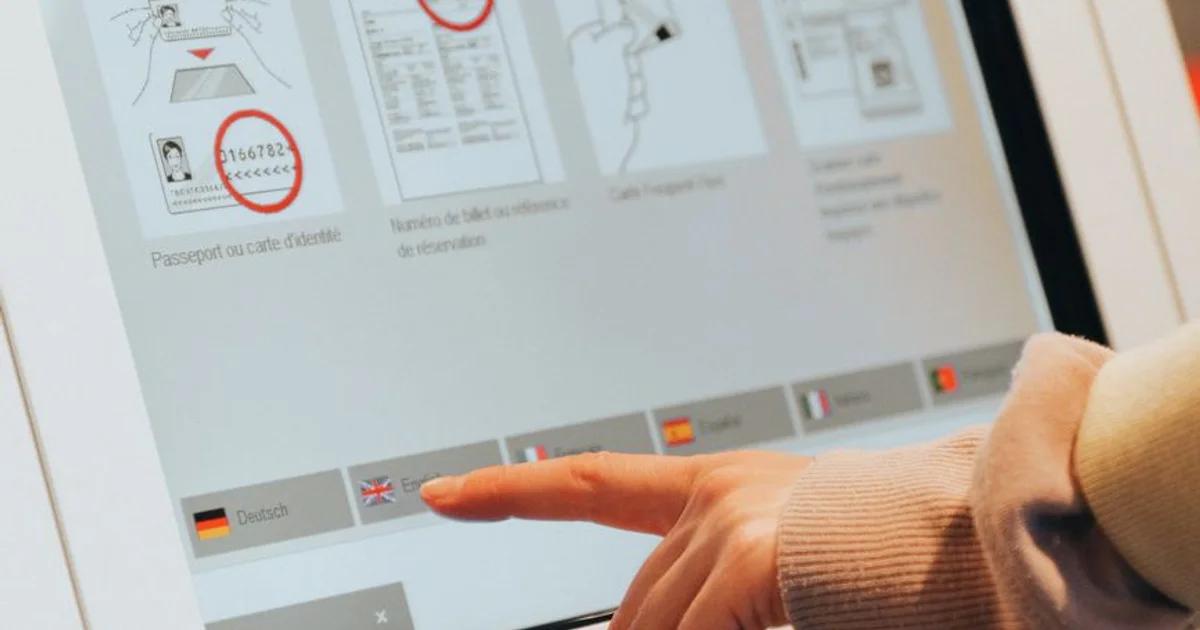
In the rapidly evolving landscape of Digital Government, the civic kiosk stands as a critical bridge between public services and the citizenry. From transit hubs to department of motor vehicle offices, these physical touchpoints are often the only way constituents can interact with essential services. However, when these devices fail to account for users with varying physical or cognitive abilities, they cease to be points of access and become barriers. An accessibility audit for civic kiosks is no longer a 'nice-to-have'—it is a legal and ethical mandate.
Defining the Scope of ADA Title II
When we discuss ADA Title II, we are talking about ensuring that no qualified individual with a disability is excluded from participation in or denied the benefits of the services, programs, or activities of a public entity. For civic kiosks, this means every interaction—from the height of the touch screen to the auditory output of a navigation menu—must be rigorously tested.
Key areas of focus include:
- Tactile controls versus touch-only interfaces
- Screen reader compatibility and headphone jacks
- Adjustable visual contrast and font scaling
- Physical reach ranges for seated users
The Anatomy of an Accessibility Audit
An accessibility audit is not merely a checklist; it is a systematic examination of the entire kiosk lifecycle. To be effective, the process must blend technical software analysis with physical ergonomic assessment.
Technical Software Assessment
Most civic kiosks run on web-based platforms. Therefore, WCAG guidelines serve as the baseline for the digital interface. Auditing teams must test:
- Keyboard navigation: Can a user navigate the entire flow without a mouse?
- Screen reader logic: Does the kiosk correctly identify form fields and buttons?
- Color contrast: Do the interfaces meet the minimum 4.5:1 ratio for readability?
'Accessibility is not a constraint on creativity; it is a catalyst for superior design. By designing for the margins, we create products that are easier for everyone to use.'
Physical Ergonomic Evaluation
The physical housing of the kiosk is just as important as the code. An audit must verify that the screen is mounted at an appropriate height for wheelchair users (typically 15 to 48 inches). Furthermore, the input devices—whether they are keypads, trackballs, or touchscreens—must be operable with minimal force and without the need for tight grasping or twisting of the wrist.
Overcoming Common Compliance Hurdles
Many agencies struggle with the 'legacy hardware' problem. Often, the software is updated, but the physical kiosk enclosure remains frozen in time. A comprehensive audit will expose these friction points, allowing for a phased transition plan.
The Role of User Testing
Nothing replaces the lived experience of a user. The audit should include usability testing sessions with individuals representing a wide spectrum of disabilities. These sessions often reveal issues that automated scanners miss, such as the glare caused by overhead lighting on a specific screen finish or the difficulty of operating a stylus in a high-traffic environment.
Best Practices for Ongoing Compliance
Auditing should not be a one-time event. As software updates are pushed and hardware wears down, the accessibility status of your kiosks changes.
- Continuous Monitoring: Implement automated monitoring for the digital software layer.
- Maintenance Cycles: Ensure that hardware components like headphone jacks are tested during routine maintenance visits.
- Training Staff: Front-line employees should be trained to assist users with accessibility features, acting as a human layer of support when technology hits a snag.
In conclusion, the goal of a civic kiosk accessibility audit is to ensure that every citizen, regardless of their physical ability, can participate fully in the services offered by their government. By prioritizing these audits, public sector organizations demonstrate a commitment to equity and inclusivity, effectively bridging the digital divide one interaction at a time.