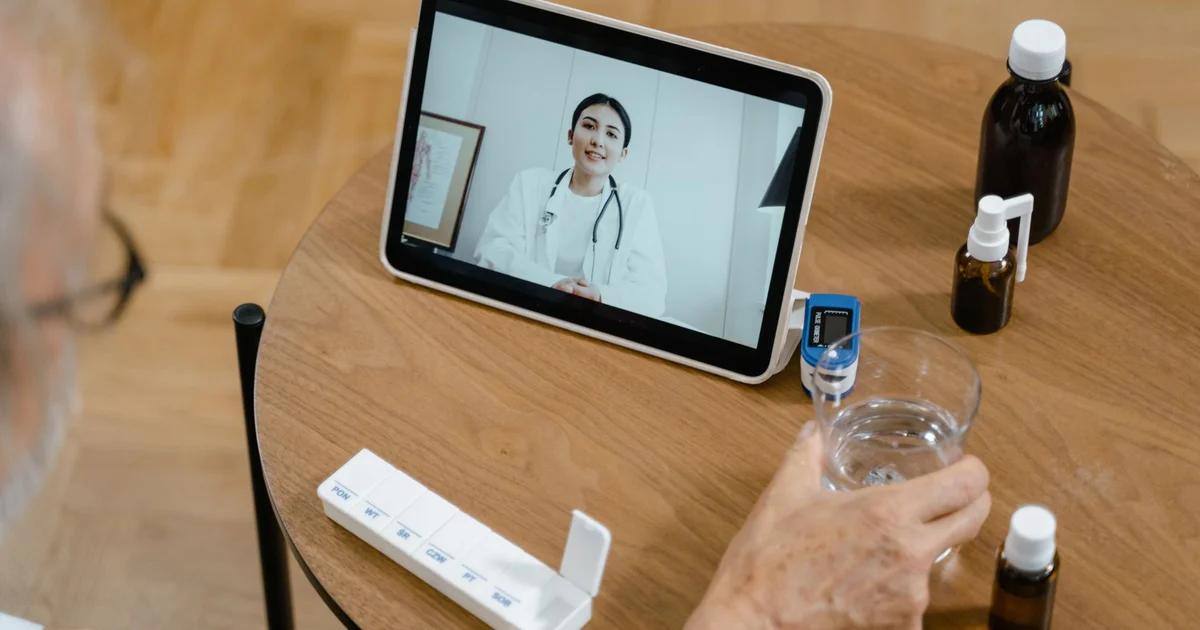
The Imperative for Accessible Telehealth
The digital transformation of healthcare, accelerated by global events, has cemented telehealth as a cornerstone of modern service delivery. However, for public sector health entities, providing virtual care is not just a technological upgrade—it is a legal and ethical mandate. Managing accessible telehealth portals requires a comprehensive strategy that prioritizes equitable access for patients regardless of their physical, sensory, or cognitive abilities.
Understanding the Regulatory Landscape
For government-funded healthcare providers, compliance with ADA Title II and Section 508 is non-negotiable. These frameworks ensure that digital public services are accessible to people with disabilities. When a portal fails to meet these standards, the consequences range from legal liability to the disenfranchisement of the very citizens these programs were designed to serve.
'Accessibility is not a feature; it is a fundamental requirement of digital equity in public health.'
Prioritizing WCAG Compliance
The Web Content Accessibility Guidelines (WCAG) serve as the international benchmark for web accessibility. When managing your telehealth platform, aim for WCAG 2.1 Level AA conformance. This involves:
- Perceivability: Ensuring that all information and interface components are presentable to users in ways they can perceive. This includes providing text alternatives for non-text content, such as alt text for images of medical diagrams.
- Operability: All interface elements must be navigable via a keyboard. Patients who cannot use a mouse due to tremors or motor impairments must be able to schedule appointments, join video calls, and access medical records using only a keyboard.
- Understandability: Information and the operation of the user interface must be easy to comprehend. Avoid complex jargon and ensure error messages provide clear, actionable instructions.
- Robustness: Content must be robust enough to be interpreted by a wide variety of assistive technologies, including screen readers like JAWS, NVDA, and VoiceOver.
UI/UX Best Practices for Patient Portals
Accessibility is inextricably linked to usability. A platform that is easy to use for a person with a disability is often more intuitive for everyone. Focus on the following UI/UX improvements:
- High Contrast Modes: Many users with low vision rely on high-contrast color schemes to navigate text-heavy medical documents.
- Scalable Text: Ensure that your portal supports browser-level text scaling without breaking the layout.
- Video Accessibility: Your video conferencing integration must support closed captioning. Automated speech-to-text is a baseline, but live captioning is the gold standard for accuracy during sensitive medical consultations.
- Consistent Navigation: Use standardized layouts throughout the portal. A patient navigating their lab results should not have to learn a new interface when moving to the prescription renewal tab.
Overcoming Technical Debt in Legacy Systems
Many public agencies struggle with legacy platforms that were never built with accessibility in mind. The process of retrofitting these systems requires a phased approach. Start by auditing the most critical user journeys, such as the registration process and the video consultation dashboard. Once these areas are compliant, address secondary functionalities like patient education libraries and billing.
The Role of User Testing
Quantitative audits will only take you so far. To truly manage an accessible portal, you must involve actual users with disabilities in your testing protocols. Engage focus groups that include individuals who are blind, low-vision, hard of hearing, or have cognitive disabilities. Their feedback will often reveal friction points that automated testing tools fail to detect.
Staff Training and Organizational Culture
Technological solutions fail if the humans behind them do not understand the necessity of accessibility. Train your IT staff, clinicians, and administrative teams on how to use accessible document formats (e.g., tagged PDFs) and how to support patients who might encounter barriers when using the digital portal. When your support staff is equipped with the knowledge to troubleshoot accessibility issues, the patient experience improves significantly.
Managing Third-Party Integrations
Modern telehealth portals often rely on third-party APIs for billing, pharmacy connections, and external EHR systems. As a product manager, it is your responsibility to vet these vendors for accessibility compliance. Require a Voluntary Product Accessibility Template (VPAT) from every vendor during the procurement process. If a third-party tool does not meet accessibility requirements, it becomes the weakest link in your compliance strategy.
Future-Proofing for Inclusive Design
As we look toward the future, the integration of AI in healthcare offers immense potential for accessibility. AI-driven predictive text, improved speech recognition, and real-time navigation aids could revolutionize how patients with disabilities interact with telehealth. However, agencies must ensure that these tools are trained on diverse datasets to avoid algorithmic bias that could inadvertently exclude vulnerable populations.
Conclusion
Managing an accessible telehealth portal is a continuous process of auditing, testing, and refining. By anchoring your development strategy in WCAG standards and centering the needs of users with disabilities, you ensure that your digital healthcare infrastructure serves as a true equalizer in the community. Invest in accessibility today to avoid the costs of non-compliance and, more importantly, to fulfill the promise of equitable health for all citizens.